AdGen is an AI creative studio built for brands that want to move from raw brand context to polished ad output in one place. It combines brand understanding, copy generation, image generation, targeted image editing, and video creation inside a single product instead of forcing teams to juggle separate tools for every step of the workflow.
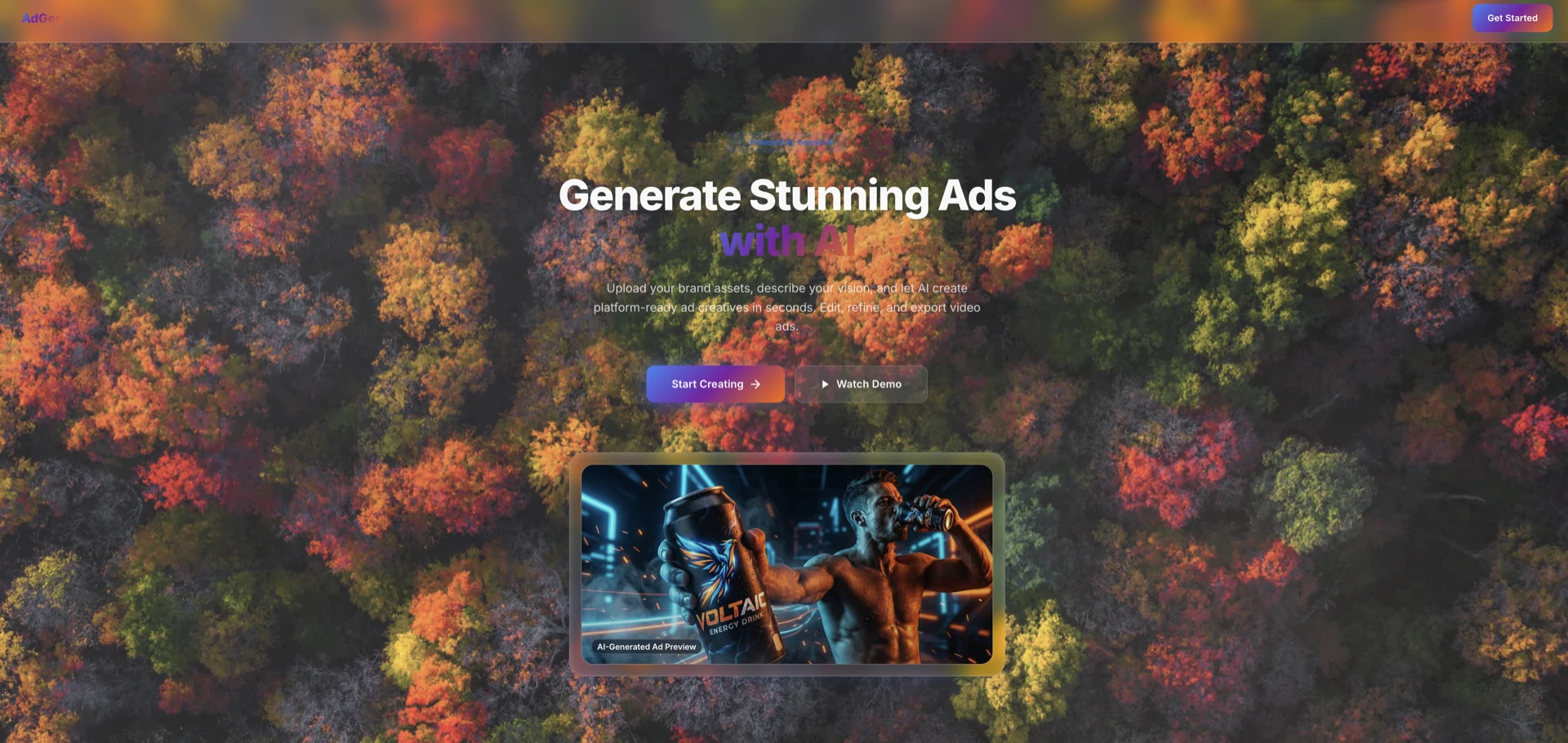
The Problem
AI ad generation has improved, and brand-asset-based generation is now possible, but the real creative workflow is still fragmented. Getting an initial visual is only part of the job. Teams still need to edit text placement, refine layouts, and adapt the same creative for different platforms without losing the original campaign direction.
That is where most tools start breaking down. Text inside the creative is usually not easy to adjust, image edits often mean regenerating the entire scene from scratch, and platform-specific tailoring becomes manual work again. Video generation is even trickier because the campaign context built for the still image rarely carries forward cleanly into motion.
How AdGen Solves It
AdGen brings those steps into one creative system. A brand can upload logos and product images, choose the target platform, and generate a campaign-ready draft that already understands the underlying brand context. From there, the output is not locked. It lands in an editable canvas where copy and layout can be refined, while the image itself can be updated through targeted chat-based edits.
Instead of treating copy, image, edits, and video as disconnected generations, AdGen keeps them stitched together as one campaign pipeline.
The same shared context then flows into video generation, which makes the final output feel like a continuation of the same ad system rather than a separate experiment.
Features
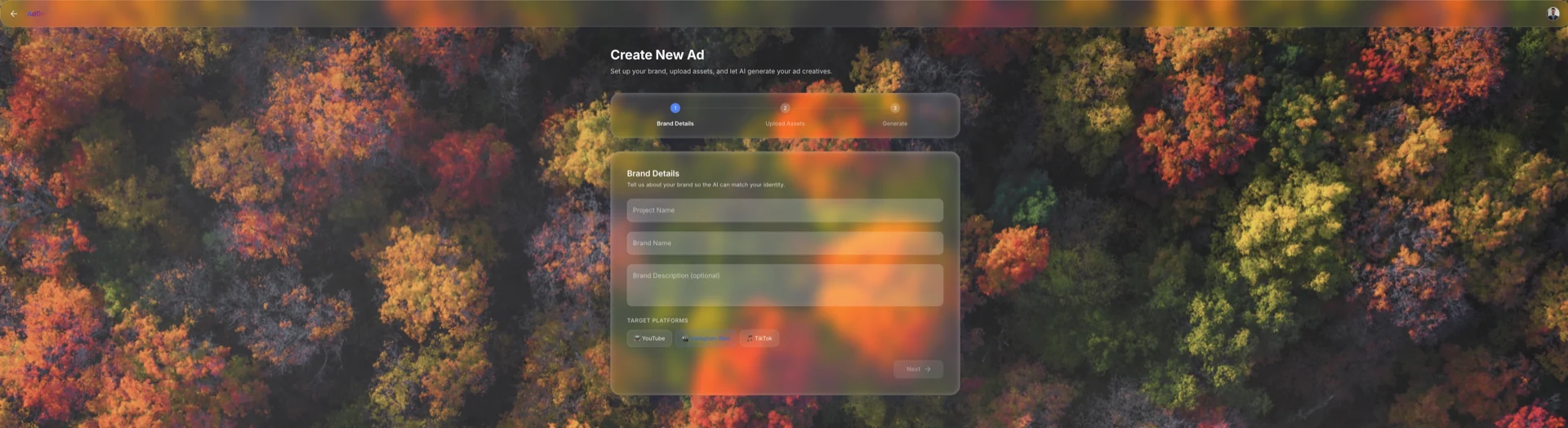
Create workflow
AdGen starts with the inputs a brand actually cares about: campaign intent, target platform, logos, and product images. That setup gives the system enough context to shape output differently for YouTube, Instagram Reels, or TikTok instead of producing the same generic ad everywhere.
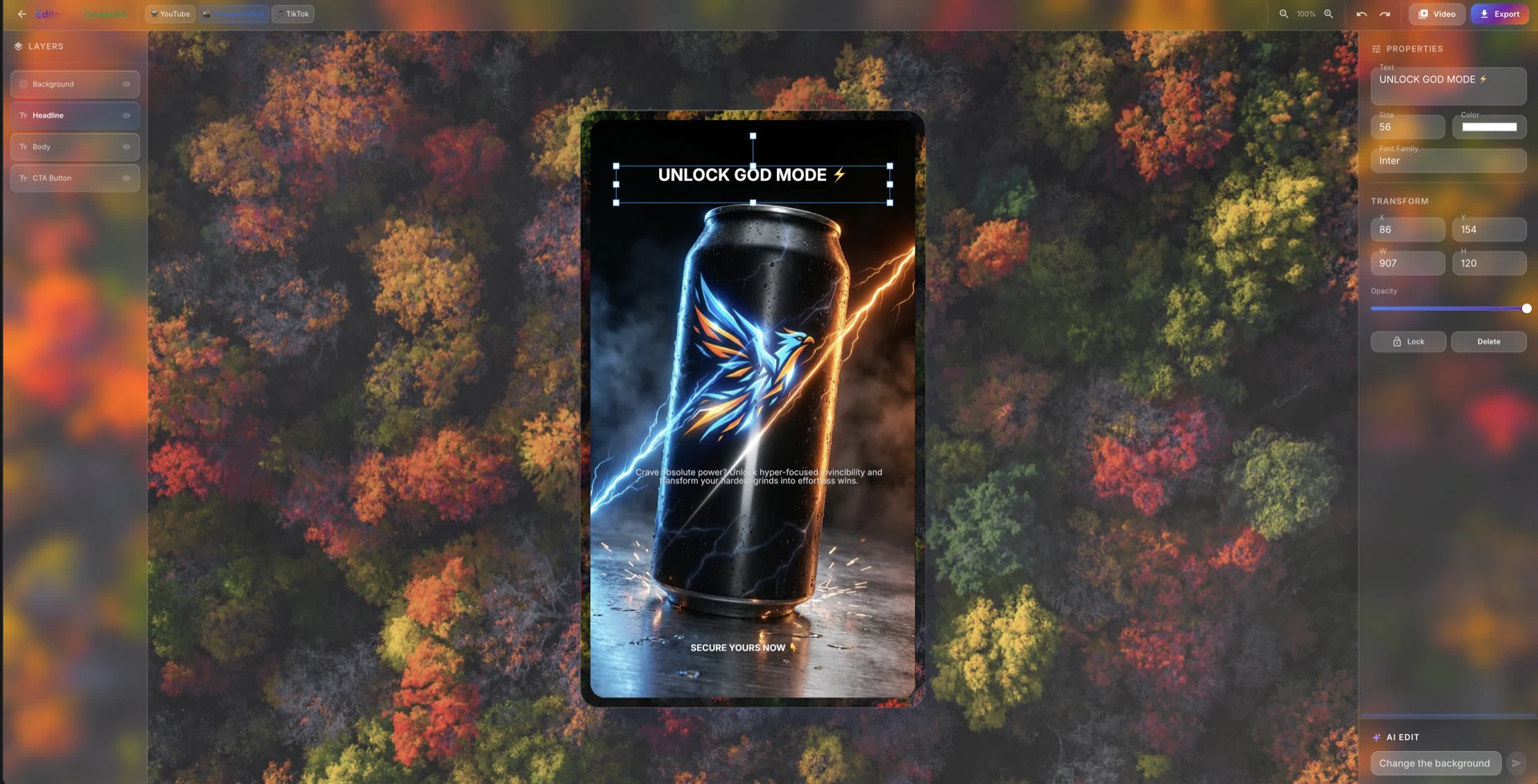
Editable creative canvas
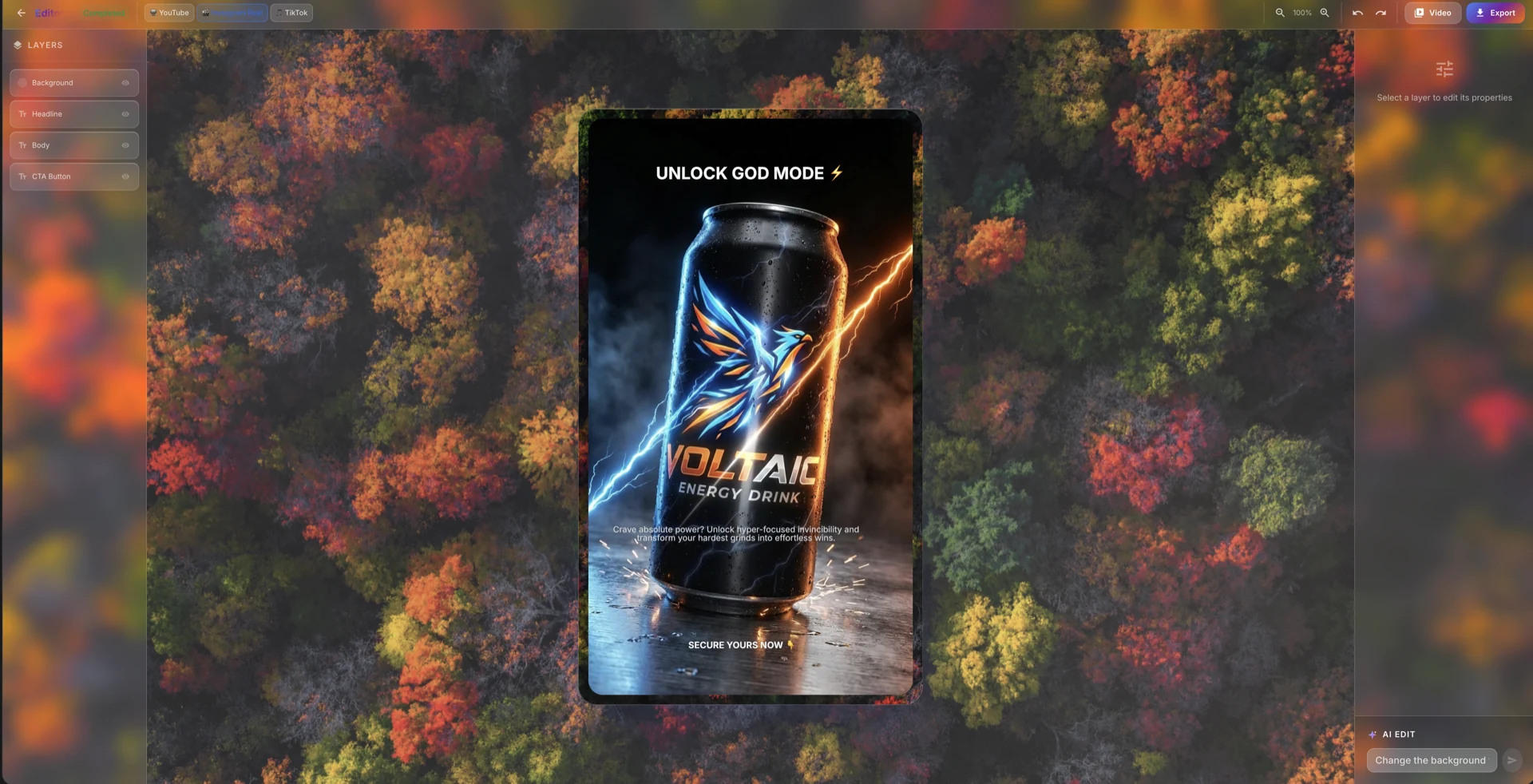
Once the assets are generated, AdGen places them into an editable canvas rather than freezing them as final output. Teams can update copy, tweak alignment, and refine the composition directly, which makes the result feel like a real working draft instead of a static AI artifact.
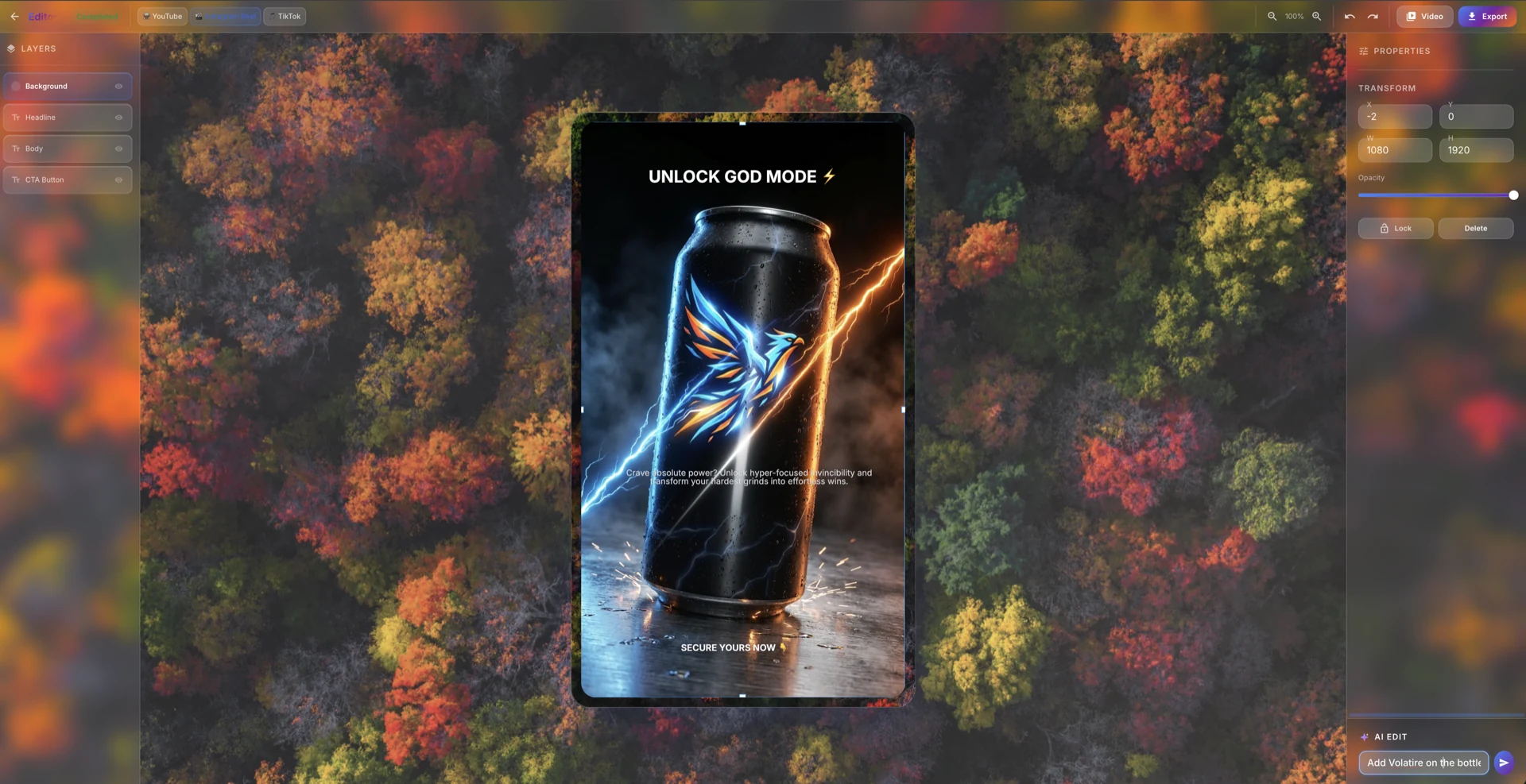
Chat-based image edits
One of AdGen's strongest features is targeted image editing. Instead of discarding the whole creative and regenerating from scratch, the chat-based edit flow is designed to preserve the existing ad and apply focused visual changes, especially in the background. That keeps iteration tighter and much closer to how creative teams actually want to work.
Video generation
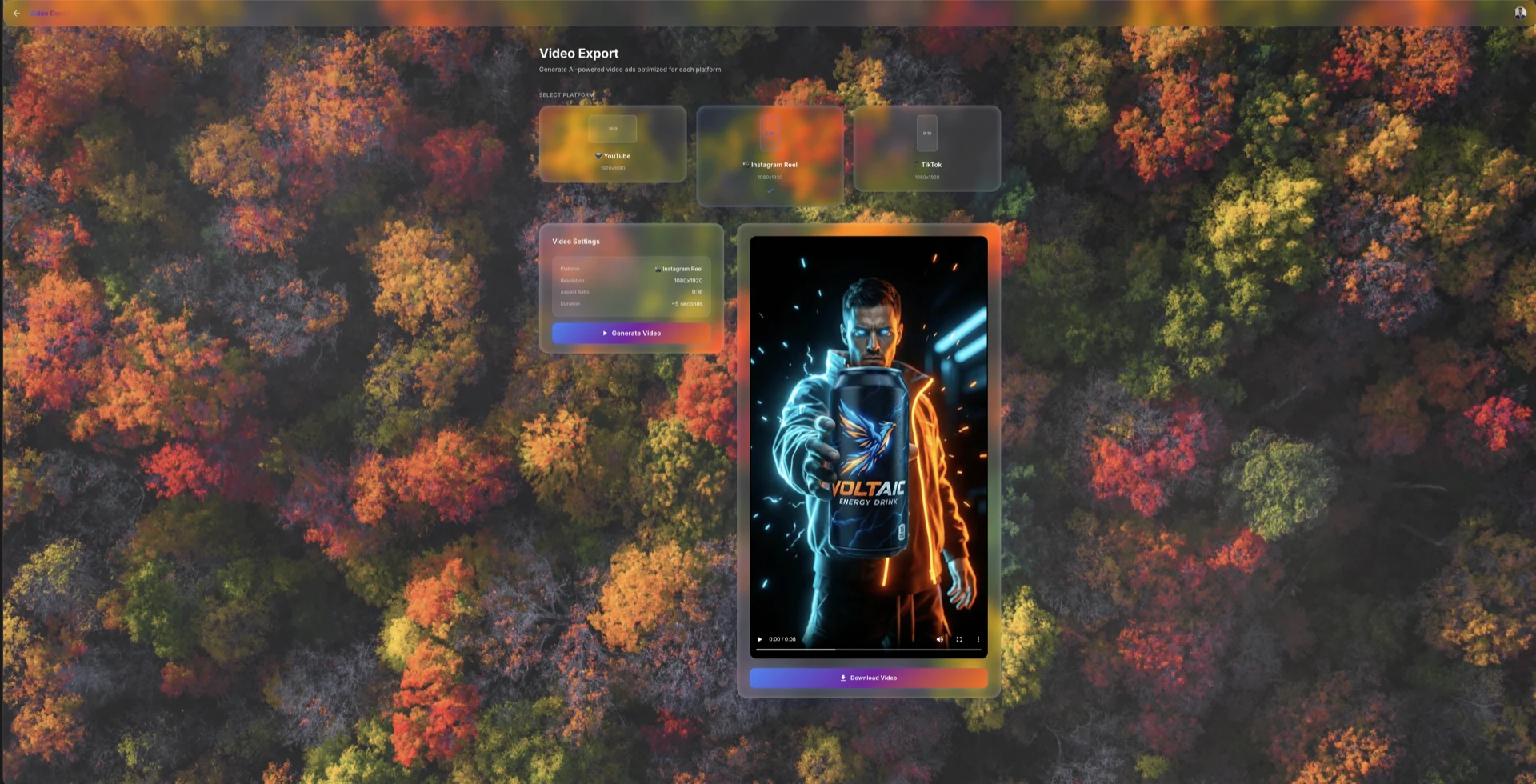
After the still creative is established, AdGen can generate short-form video ads for the selected platform. The important part is not just that video exists, but that it inherits the same campaign direction rather than starting from zero.
How AdGen Works
Under the hood, AdGen runs as a multimodal, multi-agent creative pipeline. A main orchestrating flow carries campaign context from one specialist agent to the next, so each stage has a clear responsibility while still working from the same shared brief.
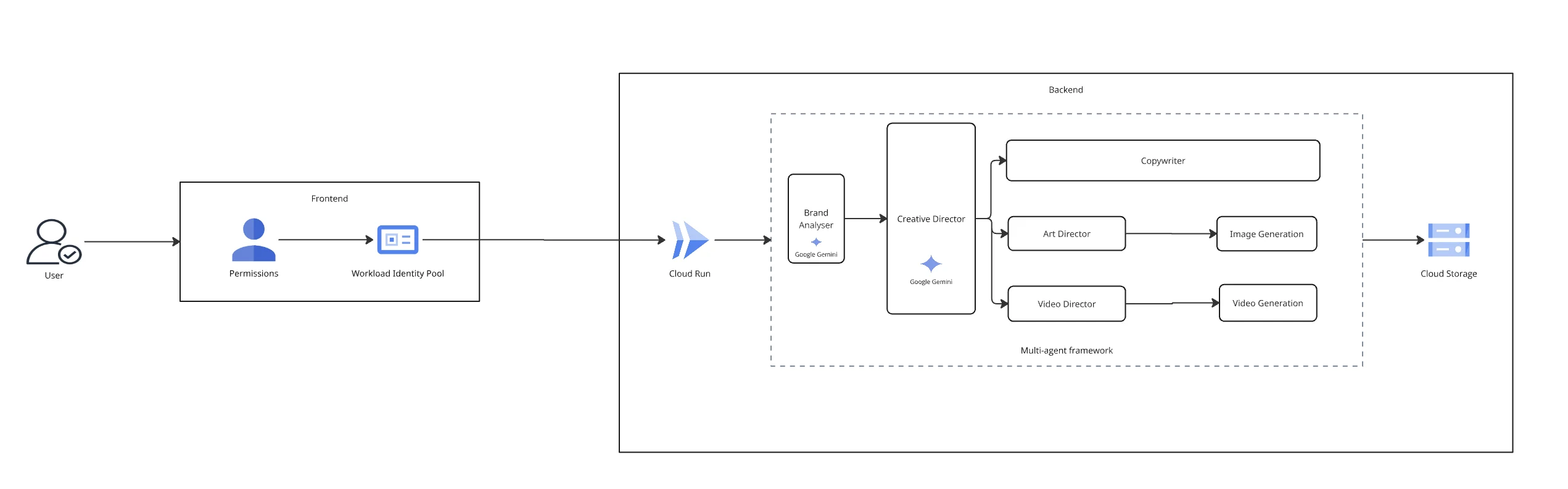
This is where the multimodal architecture matters. Gemini 3.1 Pro handles the reasoning and orchestration layer across the pipeline, Nano Banana Pro handles still-image generation and edit operations, and Veo 3.1 handles final video generation. The result is a system where the outputs stay connected instead of feeling like isolated model calls.
Demo
The full demo below walks through the product in action, from campaign creation to final output.
Explore the Code
The full project is open on GitHub, including the frontend, backend orchestration layer, and Google Cloud deployment setup.
This project was built for the Gemini Live Challenge.
GitHub github.com/RITIK-12/AdGen